
Anime & ArtHot
Doodle to Real
Your sketch, rendered like it's real
Doodle to Real needs your drawing. You choose make it (Photoreal, Plush toy, 3D animated, Product render and Architecture). You can also add what is it? (optional).
- Cost
- From 16 credits
- Model
- Nano Banana 2 Edit
- Output
- Your photo’s shape · 1K
- Steps
- 3



The example, side by side
What Doodle to Real needs
Your drawing
Required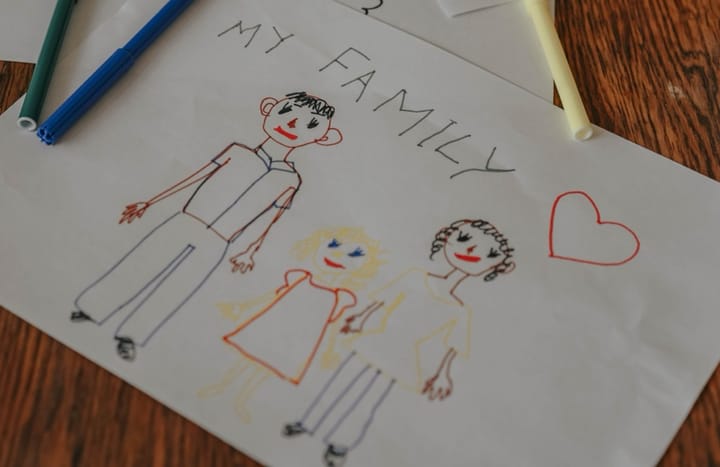
Example - Shoot the paper flat from directly above
- Fill the frame with the drawing
- Bright, even light with no phone shadow
- Angled or curled paper
- Glare
What is it?
OptionalText field, up to 80 characters — e.g. a purple dragon eating pizza
Make it
Choose one- Photoreal (default)
- Plush toy
- 3D animated
- Product render
- Architecture
Starts at 16 credits for one image on the free plan. The exact cost is shown before you tap Create, and if the generation fails, the credits are refunded automatically.


