
SeasonalSeasonal
Halloween Costume
Pick a costume, get the pro portrait
Halloween Costume needs your photo. You choose costume (Witch, Vampire, Skeleton, Dark fairy, Scarecrow and Black cat) and scene (Costume party, Gothic manor, Pumpkin patch and Studio).
- Cost
- From 16 credits
- Model
- Nano Banana 2 Edit
- Output
- 4:5 · 1K
- Steps
- 3



The example, side by side
What Halloween Costume needs
Your photo
Required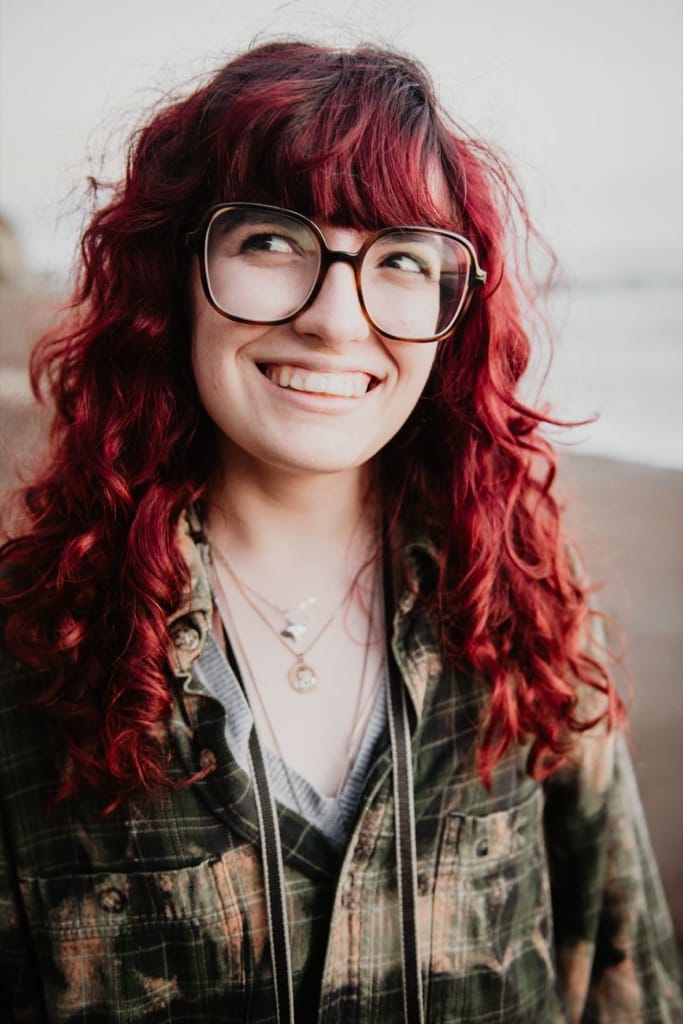
Example - Waist-up, facing the camera
- Face clear and well lit
- Hair visible
- Sunglasses or hats over the face
- Group photos
- Heavy filters
Costume
Choose one- Witch (default)
- Vampire
- Skeleton
- Dark fairy
- Scarecrow
- Black cat
Scene
Choose one- Costume party (default)
- Gothic manor
- Pumpkin patch
- Studio
Starts at 16 credits for one image on the free plan. The exact cost is shown before you tap Create, and if the generation fails, the credits are refunded automatically.


