
Glow-UpHot
Makeup Try-On
Soft glam, a red lip or no-makeup makeup, on your face
Makeup Try-On needs your photo. You choose look (Soft glam, No-makeup look, Bold red lip, Smoky eye, Bridal glow and Glossy dewy).
- Cost
- From 16 credits
- Model
- Nano Banana 2 Edit
- Output
- Your photo’s shape · 1K
- Steps
- 2



The example, side by side
What Makeup Try-On needs
Your photo
Required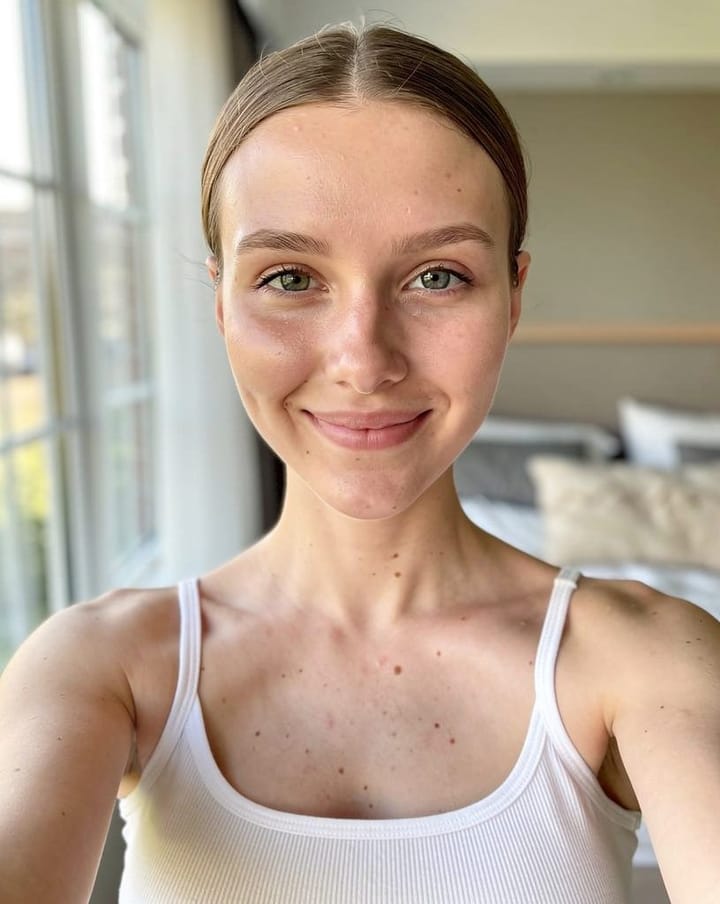
Example - Face the camera in soft daylight
- Bare skin or light makeup
- Hair away from your face
- Sunglasses or hats over the face
- Group photos
- Beauty filters
Look
Choose one- Soft glam (default)
- No-makeup look
- Bold red lip
- Smoky eye
- Bridal glow
- Glossy dewy
Starts at 16 credits for one image on the free plan. The exact cost is shown before you tap Create, and if the generation fails, the credits are refunded automatically.


