
Pet ID Card
A cute keepsake card with its name and stats
Pet ID Card needs a pet photo. You choose card (Pet ID, Good Pet License, Space Cadet, VIP Pass and Library card). You can also add pet's name and breed (optional).
- Cost
- From 15 credits
- Model
- GPT Image 2.5 Edit
- Output
- 4:5 · 1K
- Steps
- 4



The example, side by side
What Pet ID Card needs
Pet photo
Required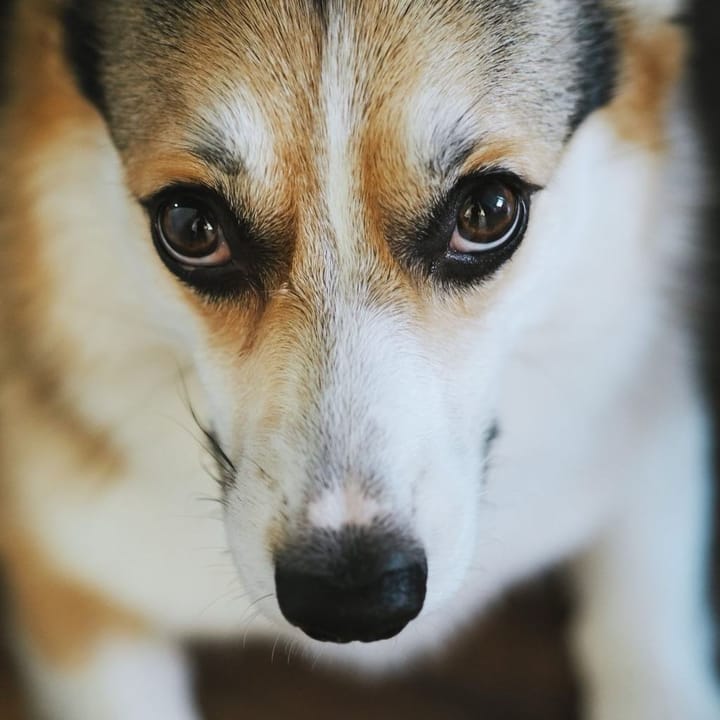
Example - Face the camera, eye level
- Face and ears in focus
- Plain background works best
- Blurry action shots
- Several pets
Pet's name
RequiredText field, up to 18 characters — e.g. Waffles
Breed
OptionalText field, up to 24 characters — e.g. Corgi
Card
Choose one- Pet ID (default)
- Good Pet License
- Space Cadet
- VIP Pass
- Library card
Starts at 15 credits for one image on the free plan. The exact cost is shown before you tap Create, and if the generation fails, the credits are refunded automatically.


