
Pet Wall Art
Pop art, watercolor or line art, ready to frame
Pet Wall Art needs a pet photo. You choose style (Pop art, Watercolor, Line art, Stained glass and Charcoal) and display (Framed on wall and Artwork only).
- Cost
- From 16 credits
- Model
- Nano Banana 2 Edit
- Output
- 4:5 · 1K
- Steps
- 3



The example, side by side
What Pet Wall Art needs
Pet photo
Required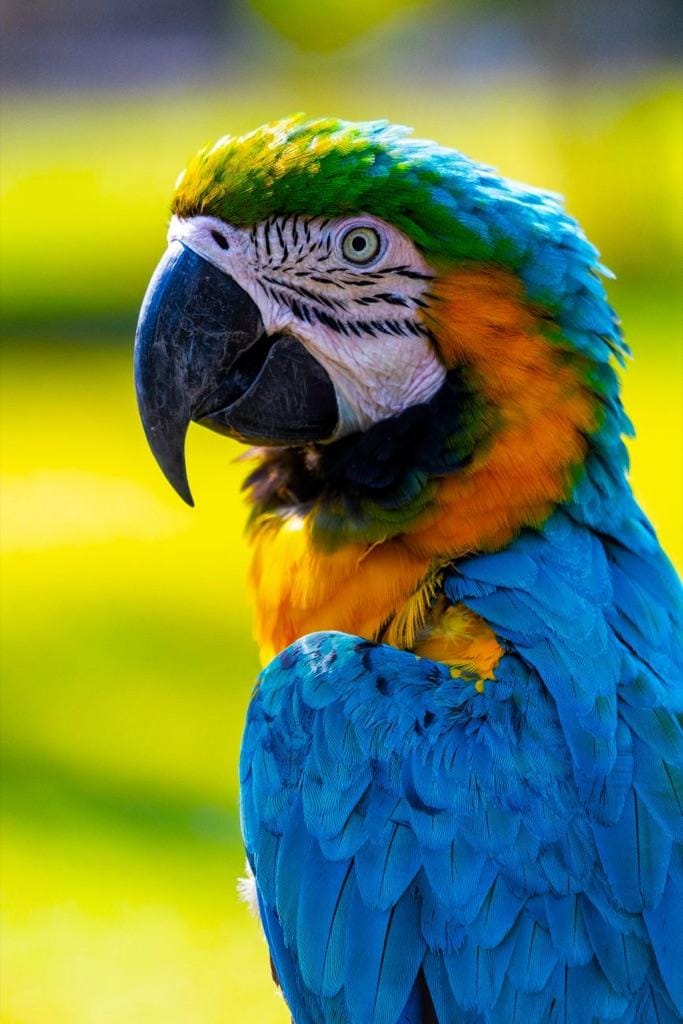
Example - Get down to your pet's eye level
- Face and ears in focus
- Daylight, whole head visible
- Blurry action shots
- Several pets
Style
Choose one- Pop art (default)
- Watercolor
- Line art
- Stained glass
- Charcoal
Display
Choose one- Framed on wall (default)
- Artwork only
Starts at 16 credits for one image on the free plan. The exact cost is shown before you tap Create, and if the generation fails, the credits are refunded automatically.


