
Photo Strip
Four-frame booth strip, 2×2 grid or comic
Photo Strip needs a people photos. You choose layout (Booth strip, 2×2 grid and Comic) and tone (Black & white, Color flash, Pastel and Sepia). You can also add caption (optional).
- Cost
- From 16 credits
- Model
- Nano Banana 2 Edit
- Output
- 2:3 · 1K
- Steps
- 4



The example, side by side
What Photo Strip needs
People photos
Required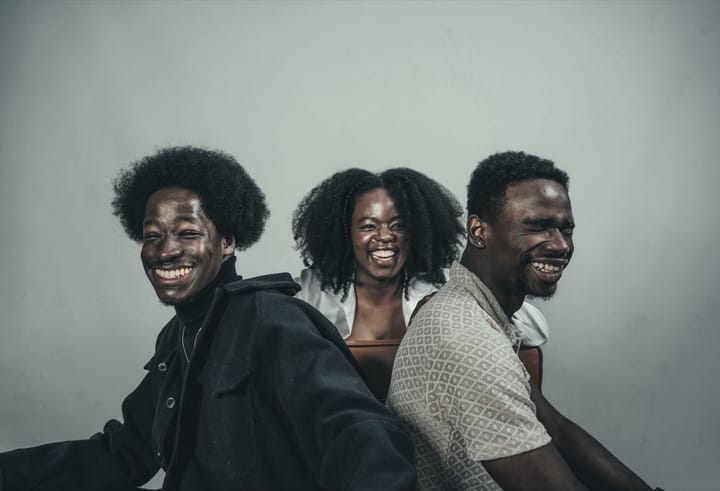
Example Up to 4 photos
- 1–4 photos, or one group photo
- Faces clear, similar lighting
- Sunglasses
- Tiny faces far away
Caption
OptionalText field, up to 30 characters — e.g. Friday night
Layout
Choose one- Booth strip (default)
- 2×2 grid
- Comic
Tone
Choose one- Black & white (default)
- Color flash
- Pastel
- Sepia
This trend can use another person’s photo or a group photo, so AnyPic asks you to confirm that everyone pictured has agreed before it runs.
Starts at 16 credits for one image on the free plan. The exact cost is shown before you tap Create, and if the generation fails, the credits are refunded automatically.


