Pro Headshot
LinkedIn-ready headshot from casual selfies
Pro Headshot needs your selfies, with an optional more angles. You choose outfit (Corporate suit, Business casual, Creative, Scrubs and My outfit) and backdrop (Studio gray, Office blur, Greenery and Charcoal).
- Model
- Seedream 5 Lite Edit
- Output
- 1:1 · 1K
- Steps
- 4



The example, side by side
What Pro Headshot needs
Your selfies
Required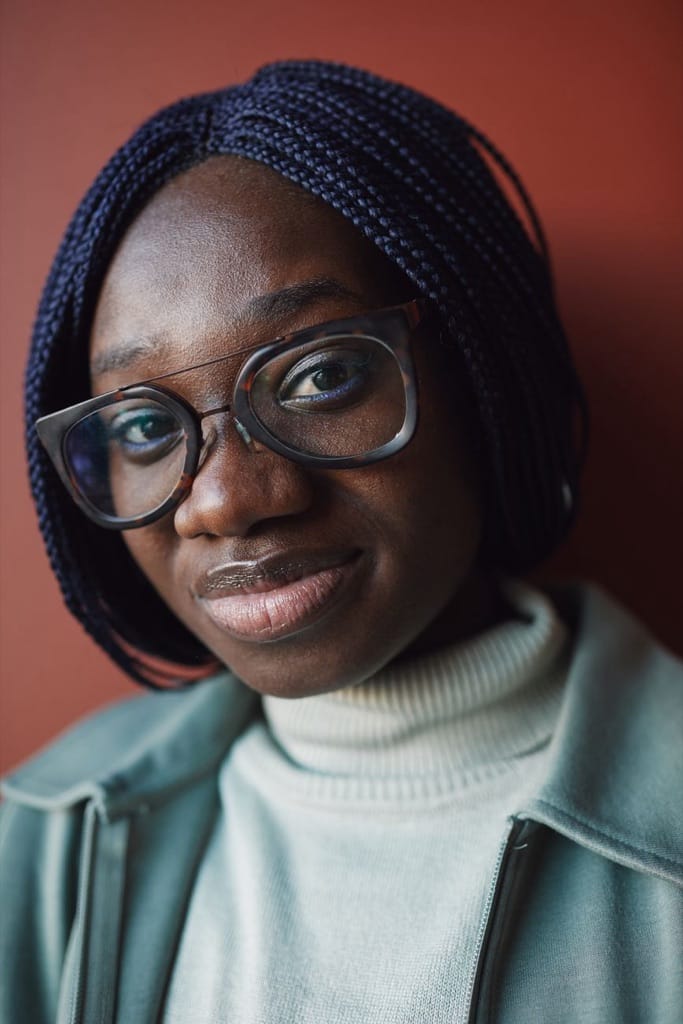
Example Up to 3 photos
- 1–3 photos, face at eye level
- Soft window light, shoulders visible
- Different days improve likeness
- Sunglasses or hats
- Other people
- Heavy filters
More angles
Optional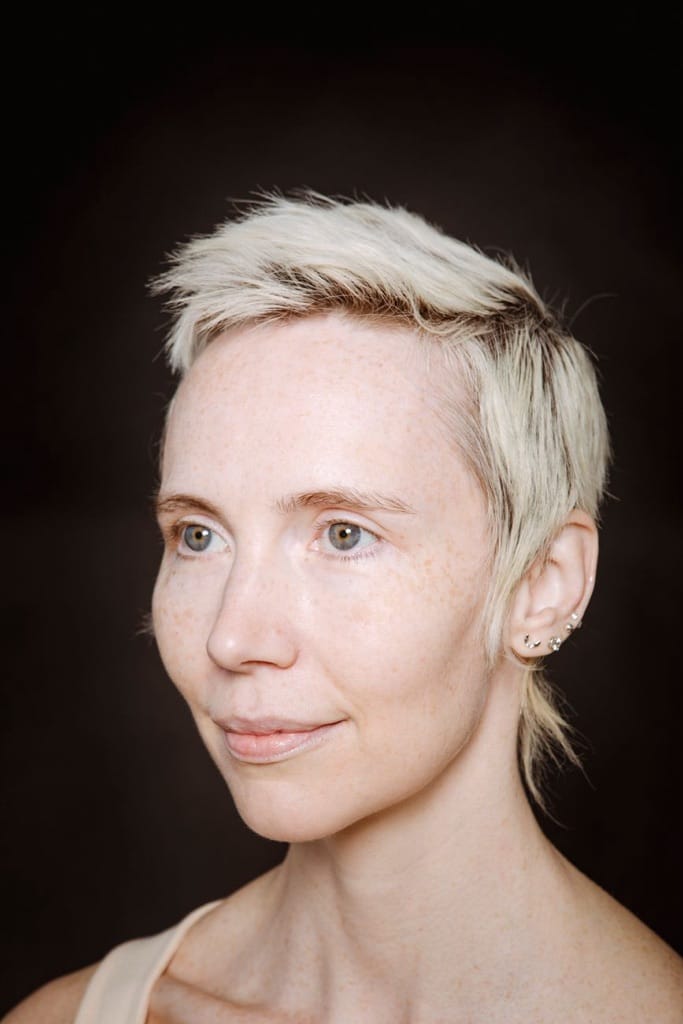
Example Up to 4 photos
- Optional, for a closer likeness
- Three-quarter and side views
- Same hair and glasses as your selfies
- Sunglasses or hats
- Other people
Outfit
Choose one- Corporate suit
- Business casual (default)
- Creative
- Scrubs
- My outfit
Backdrop
Choose one- Studio gray (default)
- Office blur
- Greenery
- Charcoal

The exact cost is shown before you tap Create, and if the generation fails, the credits are refunded automatically.