
Tattoo Try-On
Preview the ink on your skin
Tattoo Try-On needs a skin photo, with an optional design. You choose style (Fine line, Traditional, Blackwork, Watercolor, Script and Minimal) and size (Small, Medium and Large). You can also add describe it (optional).
- Cost
- From 16 credits
- Model
- Nano Banana 2 Edit
- Output
- Your photo’s shape · 1K
- Steps
- 5



The example, side by side
What Tattoo Try-On needs
Skin photo
Required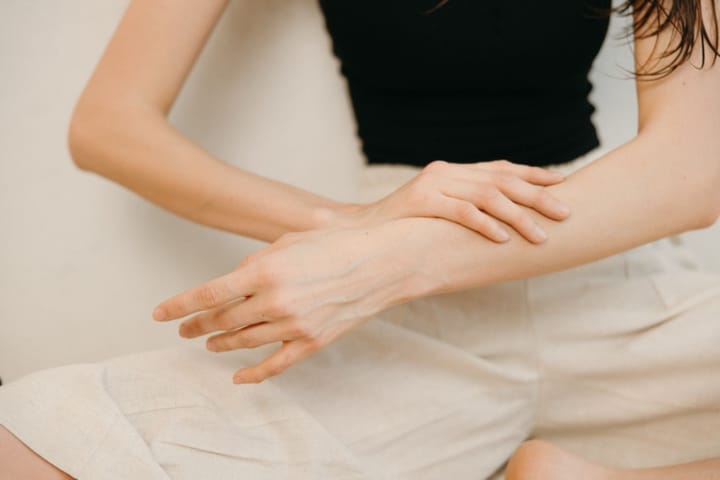
Example - The exact spot you want inked
- Clean skin in even daylight
- Fill the frame, straight-on
- Face or intimate areas
- Blurry or dark photos
Design
Optional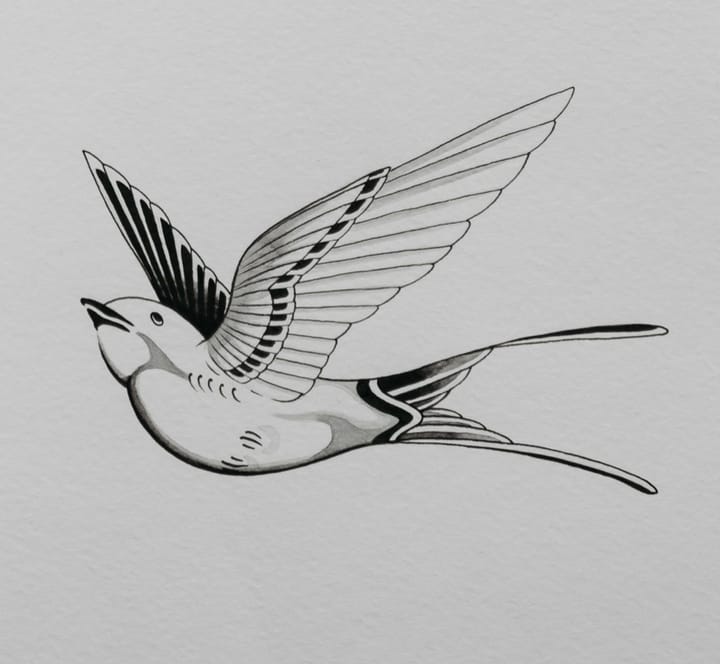
Example - Design on white paper or a digital file
- High contrast, whole design visible
- Tiny or cropped designs
Describe it
OptionalText field, up to 80 characters — e.g. a small swallow with a banner
Style
Choose one- Fine line (default)
- Traditional
- Blackwork
- Watercolor
- Script
- Minimal
Size
Choose one- Small
- Medium (default)
- Large

Starts at 16 credits for one image on the free plan. The exact cost is shown before you tap Create, and if the generation fails, the credits are refunded automatically.


