
Fun & MemesHot
Teleport
Put yourself in Lisbon, Tokyo or anywhere
Teleport needs your photo. You choose framing (Medium, Close-up, Knees up, Full body and Wide). You can also add destination.
- Cost
- From 8 credits
- Model
- City Teleport
- Output
- Your photo’s shape · 1K
- Steps
- 3



The example, side by side
What Teleport needs
Your photo
Required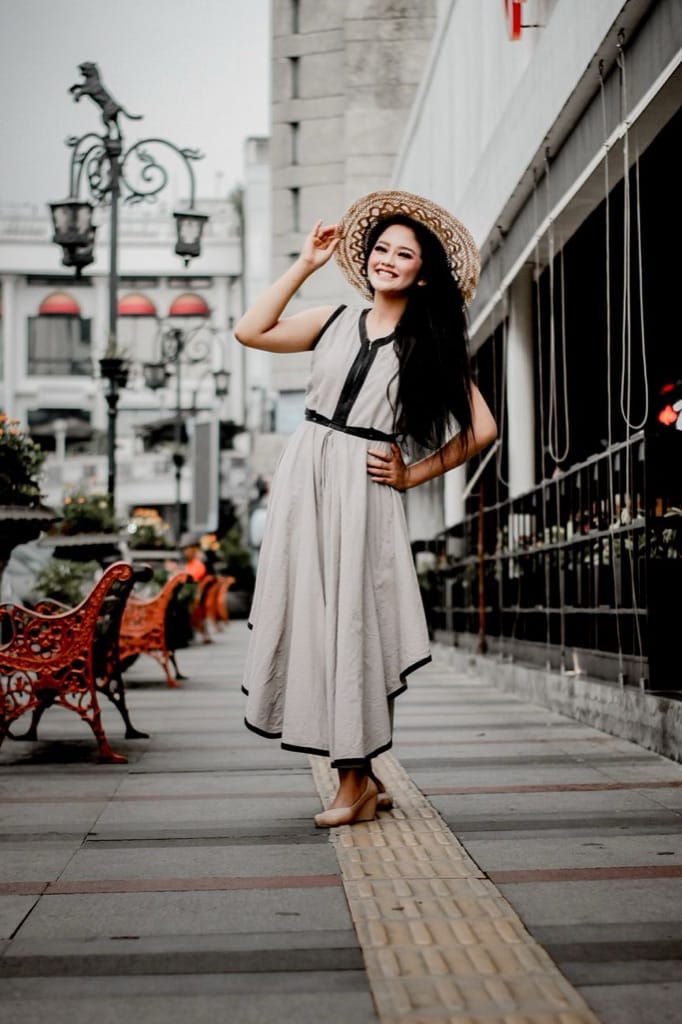
Example - Full body or waist-up, standing naturally
- Daylight blends best
- Simple background
- Sunglasses or hats over the face
- Group photos
Destination
RequiredText field, up to 40 characters — e.g. Lisbon
Framing
Choose one- Medium (default)
- Close-up
- Knees up
- Full body
- Wide
Starts at 8 credits for one image on the free plan. The exact cost is shown before you tap Create, and if the generation fails, the credits are refunded automatically.


