Car Listing
Forecourt-quality photos of the car you're selling
Car Listing needs a the car. You choose scene (Studio floor, Gradient, Coast road, City and Gravel drive) and light (Daylight, Golden hour and Night).
- Model
- FLUX.2 Pro Edit
- Output
- 3:2 · 1K
- Steps
- 3



The example, side by side
What Car Listing needs
The car
Required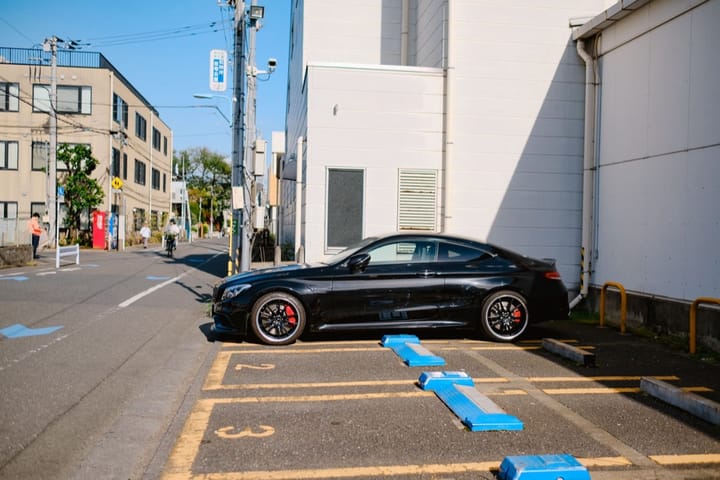
Example - Whole car in frame, three-quarter view
- Wash it first
- Overcast light is kindest
- Other cars in shot
- Harsh midday sun
- Cropped bumpers
Scene
Choose one- Studio floor (default)
- Gradient
- Coast road
- City
- Gravel drive
Light
Choose one- Daylight (default)
- Golden hour
- Night
The exact cost is shown before you tap Create, and if the generation fails, the credits are refunded automatically.