Before & After
Show the job you just finished
Before & After needs a the finished room. You choose finish (Clean up, Lightly styled and Leave empty) and light (Bright, Warm and Neutral).
- Model
- Seedream 5 Pro Edit
- Output
- Your photo’s shape · 2K
- Steps
- 3



The example, side by side
What Before & After needs
The finished room
Required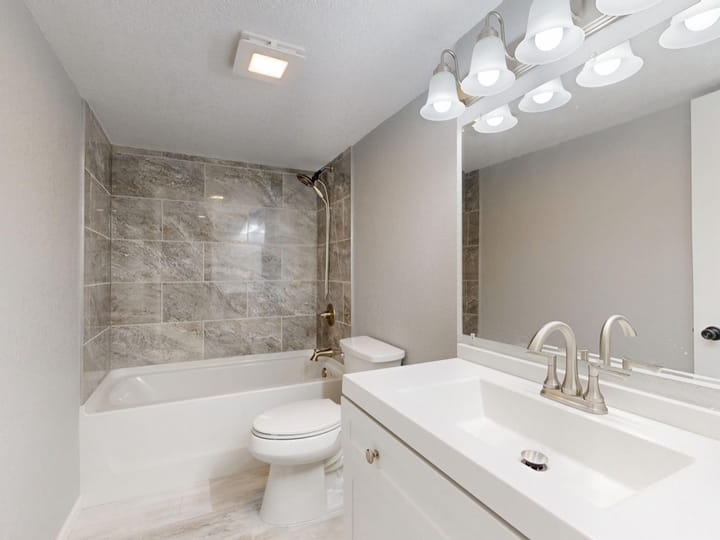
Example - Shoot the finished job
- Stand in a corner for the widest view
- Lights on, blinds open
- People in shot
- Tools and packaging
- Phone portrait mode
Finish
Choose one- Clean up (default)
- Lightly styled
- Leave empty
Light
Choose one- Bright (default)
- Warm
- Neutral
The exact cost is shown before you tap Create, and if the generation fails, the credits are refunded automatically.