
Coloring Page
Turn any photo into a printable coloring sheet
Coloring Page needs your photo. You choose detail (Kids simple, Detailed and Mandala). You can also add title (optional).
- Cost
- From 15 credits
- Model
- GPT Image 2.5 Edit
- Output
- 2:3 · 1K
- Steps
- 3



The example, side by side
What Coloring Page needs
Your photo
Required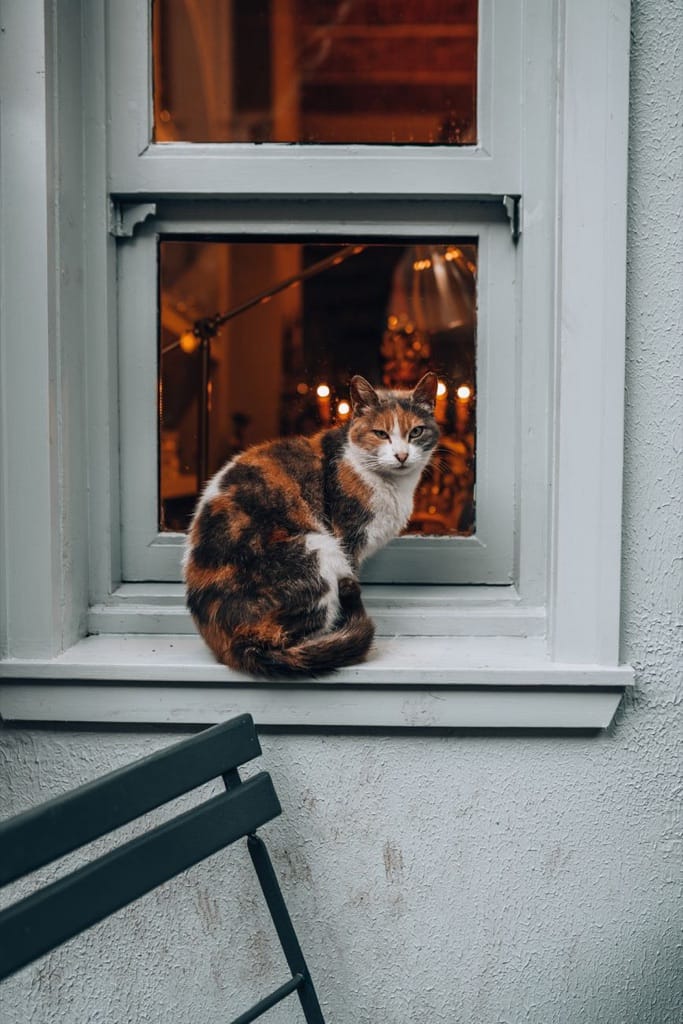
Example - One main subject
- Simple background
- Pets, places and toys work best
- Crowded group photos
- Dark photos
Title
OptionalText field, up to 24 characters — e.g. Milo's Page
Detail
Choose one- Kids simple (default)
- Detailed
- Mandala
Starts at 15 credits for one image on the free plan. The exact cost is shown before you tap Create, and if the generation fails, the credits are refunded automatically.


