
Kitchen Remodel
New cabinets, counters and lighting, same kitchen
Kitchen Remodel needs a kitchen photo. You choose cabinets (Sage green, White shaker, Navy blue, Walnut, Matte black and Two-tone) and counters (White marble, Butcher block, Concrete and Warm quartz).
- Cost
- From 16 credits
- Model
- Nano Banana 2 Edit
- Output
- Your photo’s shape · 1K
- Steps
- 3



The example, side by side
What Kitchen Remodel needs
Kitchen photo
Required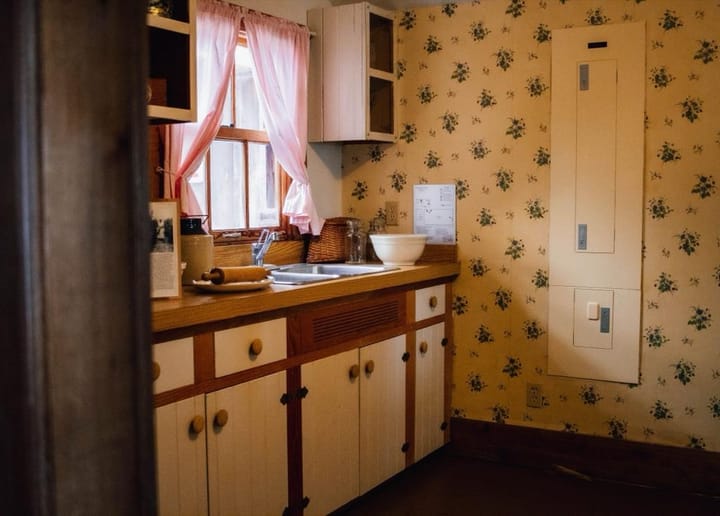
Example - Cabinets and counters in frame
- Stand back, landscape
- Lights on plus daylight
- Close-ups of appliances
- People in the kitchen
Cabinets
Choose one- Sage green (default)
- White shaker
- Navy blue
- Walnut
- Matte black
- Two-tone
Counters
Choose one- White marble (default)
- Butcher block
- Concrete
- Warm quartz
Starts at 16 credits for one image on the free plan. The exact cost is shown before you tap Create, and if the generation fails, the credits are refunded automatically.


