Lash & Brow
Lash extensions and brow shapes, on your face
Lash & Brow needs your photo. You choose lashes (Natural, Classic, Volume, Wispy, Doll eye and Keep mine) and brows (Laminated, Soft powder, Defined arch, Straight and Keep mine).
- Cost
- From 16 credits
- Model
- Nano Banana 2 Edit
- Output
- Your photo’s shape · 1K
- Steps
- 3



The example, side by side
What Lash & Brow needs
Your photo
Required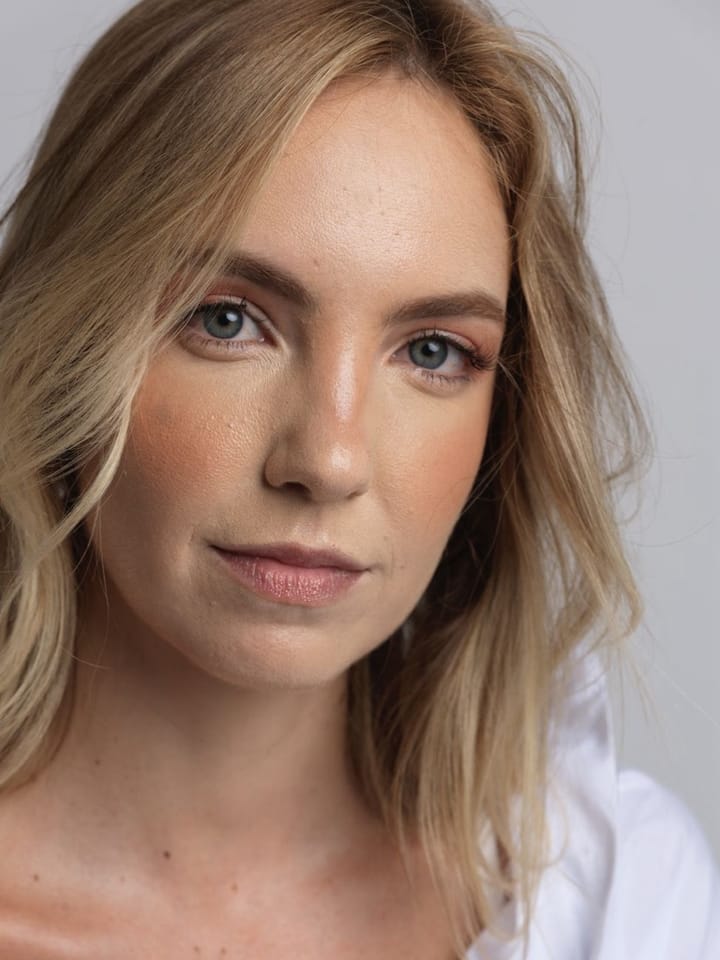
Example - Face the camera, eyes open
- Even light on the face
- Bare brows show the change best
- Sunglasses or hats over the face
- Group photos
- Heavy filters
Lashes
Choose one- Natural (default)
- Classic
- Volume
- Wispy
- Doll eye
- Keep mine
Brows
Choose one- Laminated (default)
- Soft powder
- Defined arch
- Straight
- Keep mine
Starts at 16 credits for one image on the free plan. The exact cost is shown before you tap Create, and if the generation fails, the credits are refunded automatically.