
On-Model Shot
Your product held or worn by a model
On-Model Shot needs a product photo. You choose shot (Beauty close-up, In hand, Studio portrait, At home and Outdoor). You can also add model (optional).
- Cost
- From 16 credits
- Model
- Nano Banana 2 Edit
- Output
- 4:5 · 1K
- Steps
- 3



The example, side by side
What On-Model Shot needs
Product photo
Required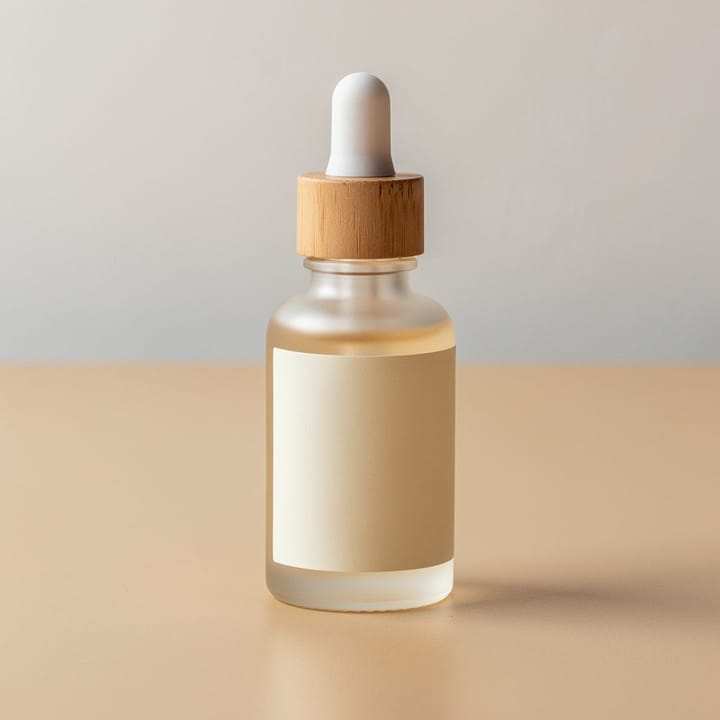
Example - Plain table near a window
- Label facing the camera
- Fill the frame, no hands
- Cluttered backgrounds
- Strong glare
Model
OptionalText field, up to 60 characters — e.g. woman with curly hair, linen shirt
Shot
Choose one- Beauty close-up (default)
- In hand
- Studio portrait
- At home
- Outdoor
Starts at 16 credits for one image on the free plan. The exact cost is shown before you tap Create, and if the generation fails, the credits are refunded automatically.


