
Product Studio
Phone snap to studio-grade product shot
Product Studio needs a product photo. You choose scene (White packshot, Marble pedestal, Water splash, Botanical, Pastel podium and Velvet noir). You can also add art direction (optional).
- Cost
- From 15 credits
- Model
- FLUX.2 Pro Edit
- Output
- 1:1 · 1K
- Steps
- 3



The example, side by side
What Product Studio needs
Product photo
Required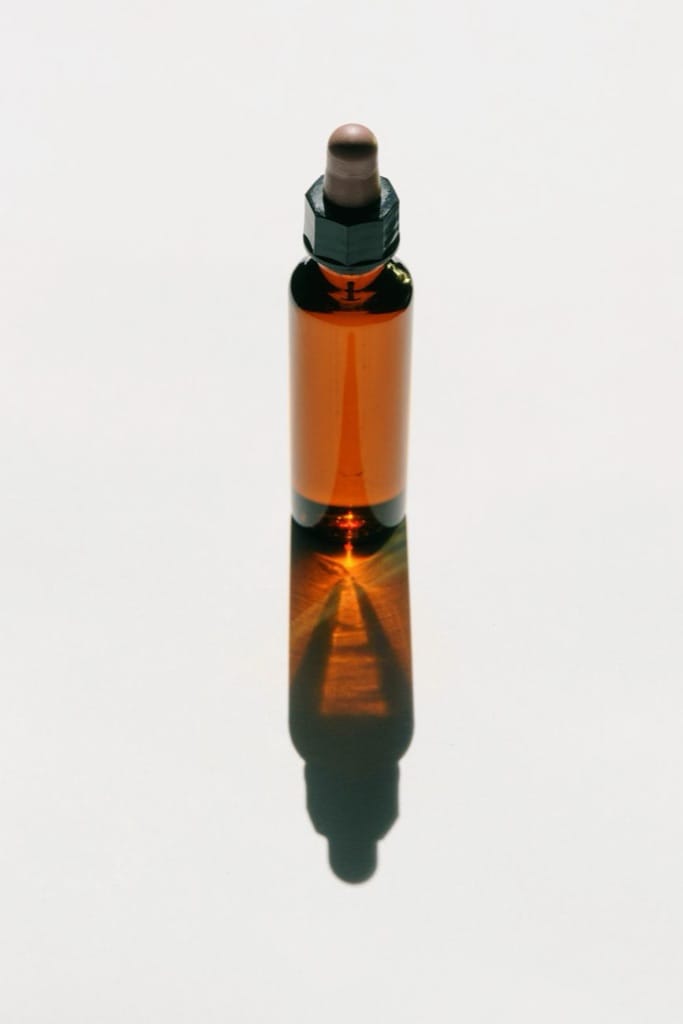
Example - Plain table near a window
- Label facing the camera
- Fill the frame, no hands
- Cluttered backgrounds
- Strong glare
Art direction
OptionalText field, up to 60 characters — e.g. minimal, sage green
Scene
Choose one- White packshot
- Marble pedestal (default)
- Water splash
- Botanical
- Pastel podium
- Velvet noir
Starts at 15 credits for one image on the free plan. The exact cost is shown before you tap Create, and if the generation fails, the credits are refunded automatically.


