
Room Makeover
Redesign your real room in any style
Room Makeover needs a room photo, with an optional furniture photos. You choose style (Japandi, Scandi, Mid-century, Industrial, Boho and Declutter).
- Cost
- From 18 credits
- Model
- FLUX.2 Pro Edit
- Output
- Your photo’s shape · 1K
- Steps
- 3



The example, side by side
What Room Makeover needs
Room photo
Required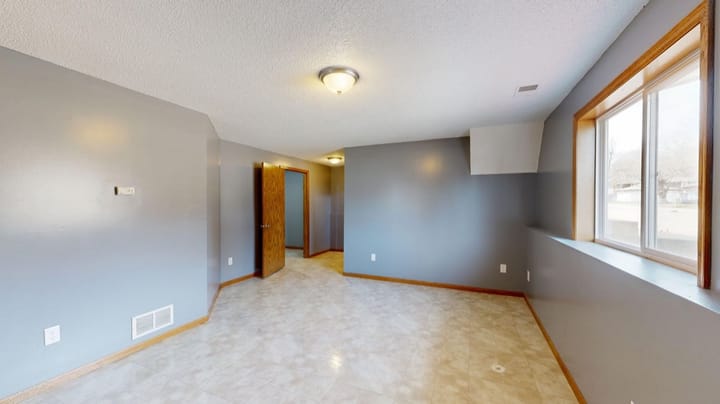
Example - Stand in a corner at chest height
- Landscape shot with two walls and the floor
- Lights on plus daylight
- Close-ups of one object
- People in the room
Furniture photos
Optional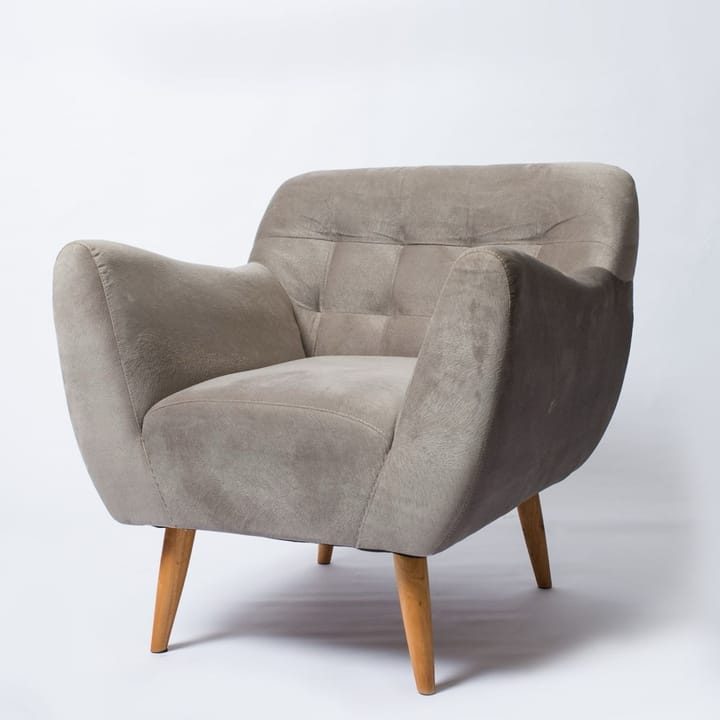
Example Up to 3 photos
- Pieces you own or want to buy
- Product photos work well
- Busy showroom shots
Style
Choose one- Japandi (default)
- Scandi
- Mid-century
- Industrial
- Boho
- Declutter

Starts at 18 credits for one image on the free plan. The exact cost is shown before you tap Create, and if the generation fails, the credits are refunded automatically.


