
Wall Colors
Try paint colors on your real walls
Wall Colors needs a room photo. You choose color (Sage green, Warm white, Greige, Navy, Terracotta and Dusty pink) and where (All walls, Accent wall and Limewash).
- Cost
- From 18 credits
- Model
- FLUX.2 Pro Edit
- Output
- Your photo’s shape · 1K
- Steps
- 3



The example, side by side
What Wall Colors needs
Room photo
Required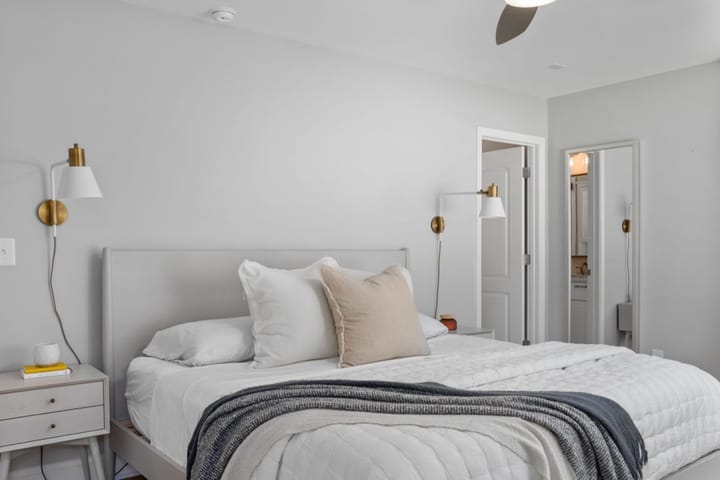
Example - Walls clearly visible
- Landscape, straight on
- Daylight plus lights on
- Very dark rooms
- Close-ups of one wall
Color
Choose one- Sage green (default)
- Warm white
- Greige
- Navy
- Terracotta
- Dusty pink
Where
Choose one- All walls (default)
- Accent wall
- Limewash
Starts at 18 credits for one image on the free plan. The exact cost is shown before you tap Create, and if the generation fails, the credits are refunded automatically.


