Event Flyer
A poster for the night, from one photo
Event Flyer needs your photo. You choose style (Bold type, Elegant, Retro print, Neon night and Minimal). You can also add headline and details (optional).
- Cost
- From 15 credits
- Model
- GPT Image 2.5 Edit
- Output
- 4:5 · 1K
- Steps
- 4



The example, side by side
What Event Flyer needs
Your photo
Required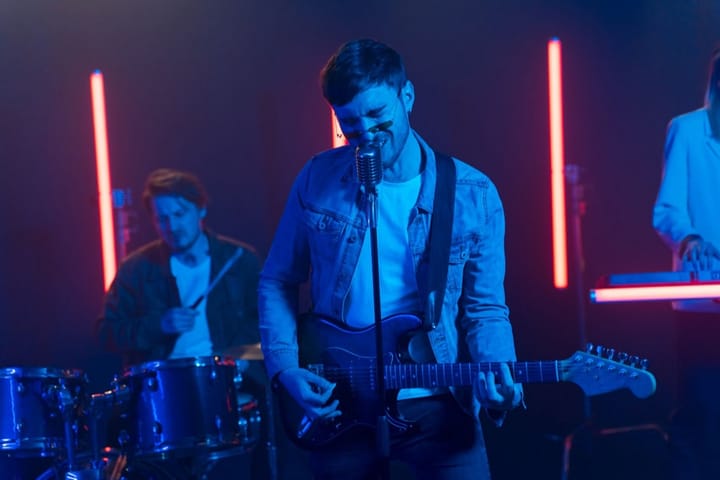
Example - The venue, the act or the food
- Fill the frame
- Good light
- Busy screenshots
- Existing posters
Headline
RequiredText field, up to 40 characters — e.g. Friday Live Jazz
Details
OptionalText field, up to 60 characters — e.g. 8pm · The Cellar · Free entry
Style
Choose one- Bold type (default)
- Elegant
- Retro print
- Neon night
- Minimal
Starts at 15 credits for one image on the free plan. The exact cost is shown before you tap Create, and if the generation fails, the credits are refunded automatically.