
Flat Lay
A styled top-down shot around your product
Flat Lay needs a product photo. You choose theme (Travel, Work desk, Spa, Morning coffee, Summer beach and Holiday gifts) and surface (Linen, Marble and Oak wood).
- Cost
- From 7 credits
- Model
- Seedream 5 Lite Edit
- Output
- 1:1 · 1K
- Steps
- 3



The example, side by side
What Flat Lay needs
Product photo
Required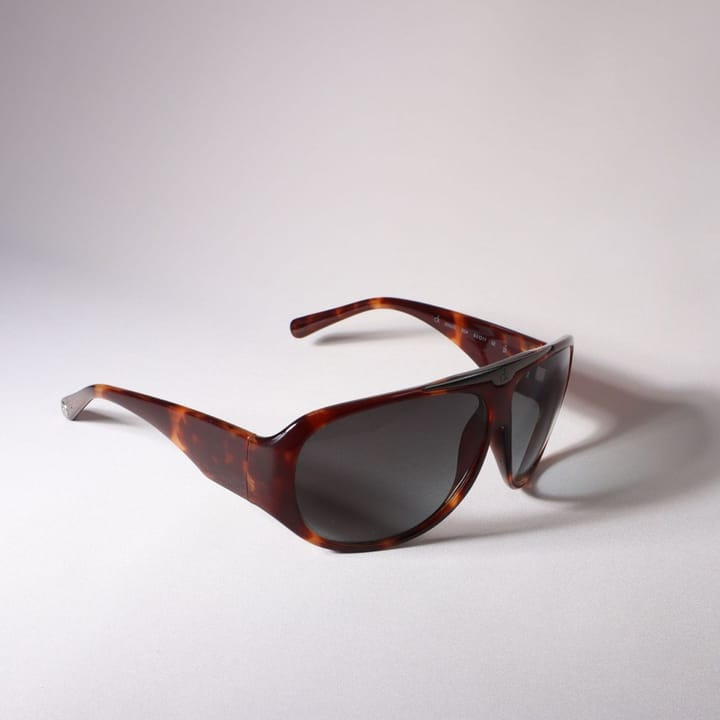
Example - Plain table near a window
- Label facing the camera
- Fill the frame, no hands
- Cluttered backgrounds
- Strong glare
Theme
Choose one- Travel (default)
- Work desk
- Spa
- Morning coffee
- Summer beach
- Holiday gifts
Surface
Choose one- Linen (default)
- Marble
- Oak wood
Starts at 7 credits for one image on the free plan. The exact cost is shown before you tap Create, and if the generation fails, the credits are refunded automatically.


